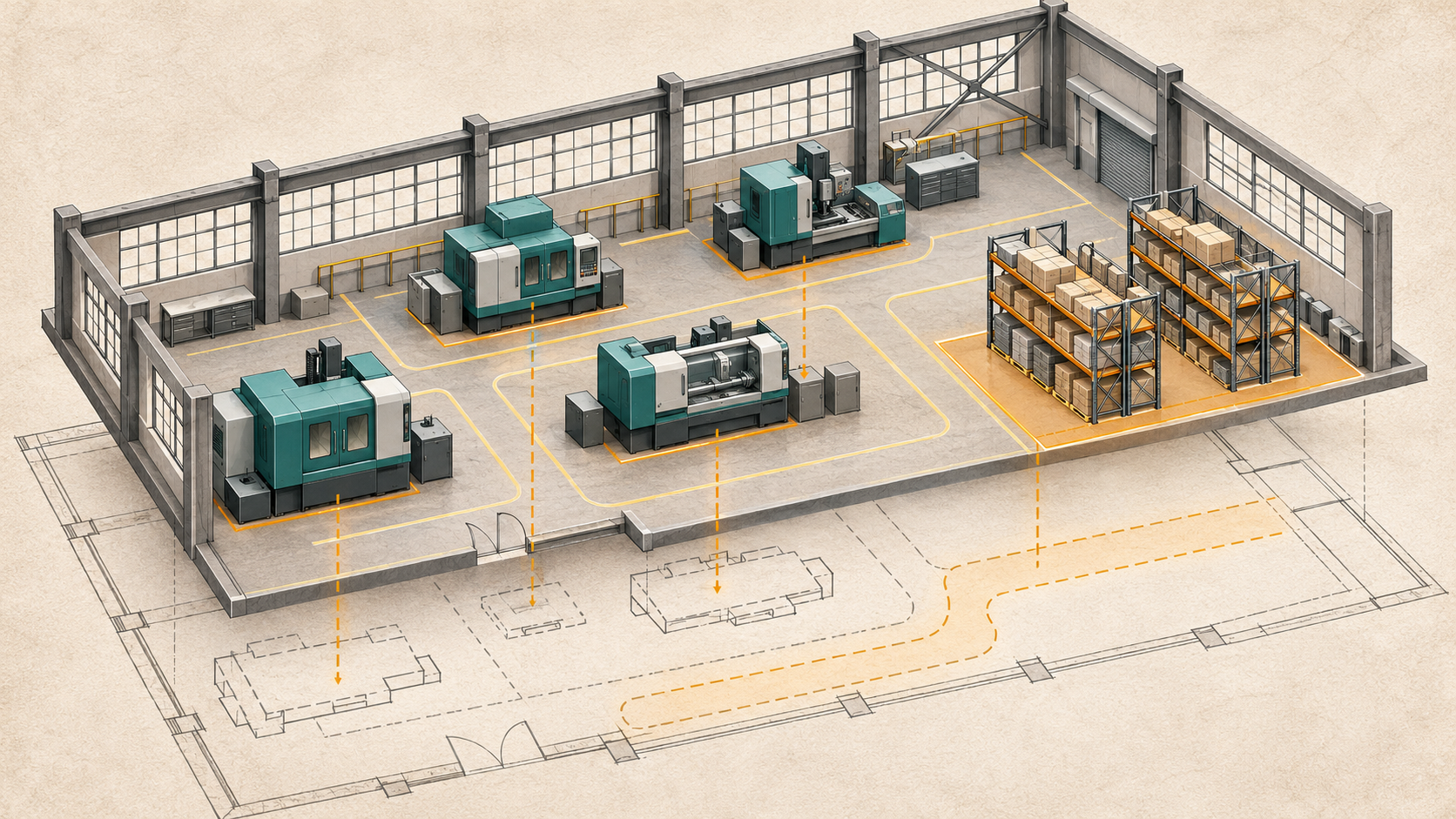
The project folder contains hundreds of progress photos. Finding the same corner of the same room on two different dates still takes twenty minutes.
One image faces the ceiling. Another faces the doorway. The file names describe phones, not locations. The detail the team needs is behind something in both pictures.
More images do not automatically create a better record.
A useful progress record helps a reviewer understand where they are, when the information was captured, and what changed. Repeat reality capture and Compare views can support that task—but only when the capture plan is organized around how people will review the project.
Start with the question the photos should answer
Construction teams document work for different reasons. An owner may want a remote view of progress. A designer may need to understand a field condition. A project manager may want to discuss a change with a subcontractor.
These are related tasks, but they do not require identical coverage or frequency.
Before scheduling repeat captures, identify the decisions and conversations the record should support. Which areas are likely to change? Which interfaces will need review? Are there conditions that will become inaccessible later?
The answers help determine where to capture and when. A generic weekly visit can miss a meaningful milestone if the relevant work happens between visits.
What a comparison view actually adds
A comparison experience brings records from different dates into a more navigable relationship. Instead of asking reviewers to search separate folders, it helps them move between corresponding areas and discuss visible changes.
Imagine a corridor documented before renovation, after a service installation, and at completion. A reviewer can use those records to understand the sequence and identify questions for the site team.
That is a visual review workflow. It is different from automatically measuring every change or certifying that installed work meets the design.
Define the intended comparison in the scope: which dates, which locations, how users navigate them, and whether any separate measurement or analysis is included. A shared label such as “progress tracking” is not detailed enough.
Plan around milestones and visibility
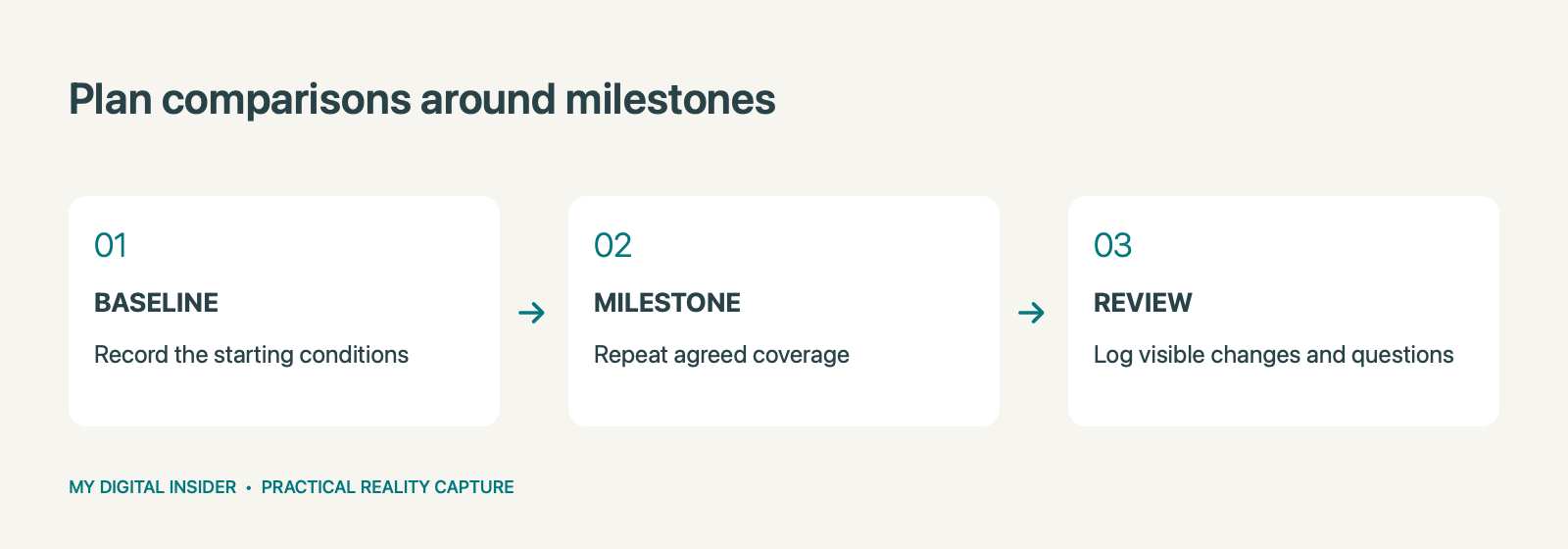
Begin with a baseline that captures the starting conditions in the relevant area. Then choose repeat visits based on the project program and information needs.
Useful triggers might include completion of a major installation, a change in layout, or a stage before work is concealed. The specific plan should come from the project team and account for safe access and actual visibility.
Capture cannot document a hidden condition after it has been covered. It also cannot guarantee that every component will be visible merely because the visit occurred at the right stage.
Coordinate with the site team before each visit. Confirm which areas are ready, which are restricted, and whether the planned coverage still matches the work.
Consistency makes review easier
A repeat capture program needs a common naming and location system. Agree how floors, rooms, zones, and dates will be identified. Use those conventions in the views and in any exported records.
Keep an access and coverage log for each visit. If a room was inaccessible on one date, the reviewer should see that limitation rather than mistake missing information for a lack of change.
Also decide how revisions are handled. A corrected label should not erase the ability to identify the original capture date. Distinguish capture time from processing or upload time so people know which event the record represents.
These details may seem administrative. They are what make the archive understandable months after the people who commissioned it have moved to another project.
Know when visual evidence is not enough
A picture can show that something is present. It may not establish its exact position, concealed connection, material specification, or performance.
When a decision depends on a tolerance, a load, a test result, or compliance with a requirement, identify the appropriate verification method and responsible professional. Do not infer those conclusions from a persuasive side-by-side view.
Similarly, a visual difference may have several explanations. Temporary storage, lighting, access, and camera visibility can affect what appears in a record. Review the context before describing a difference as an installation error.
A useful comparison process produces clear questions and supports communication. It should not encourage certainty beyond the information captured.
Turn a review into assigned actions
The record becomes more useful when a team connects observations to a review process.
For each item, identify the location, relevant capture dates, observation, owner, and next action. Where appropriate, a tag or linked record can help reviewers return to the same context.
Keep the observation separate from its interpretation. “The visible route differs from the earlier capture” is a different statement from “the route is noncompliant.” The second requires supporting assessment.
Close the loop when the team resolves an issue. Record the outcome in the approved project system rather than relying on informal comments that future users may never find.
Build a handover people can navigate
At project completion, decide what the owner or facilities team should retain. That may include access to selected capture dates, an organized comparison view, updated CAD/Revit deliverables, or tags linked to approved equipment records.
Agree on hosting duration, permissions, exports, and responsibility for maintaining links. A record that becomes inaccessible soon after handover may not serve the purpose the owner expected.
Ask an intended user to perform a practical task before accepting the handover: find a room, locate an earlier condition, and retrieve the associated information. If that task is difficult, improve the navigation before adding more content.
Scope the record before the next milestone
A useful request includes the site location, project area, planned milestones, review audiences, access constraints, and expected outputs. State whether the need is visual review, dimensional verification, or both.
Capture Now 360 can scope repeat capture and Compare views, with tagging or supporting CAD/BIM outputs where the project calls for them.
Request a project quote. Share your next project milestone and the changes your team needs to review. The goal is a record that helps people answer questions—not simply a larger photo folder.
Related reading
Explore our related reality capture guide.
Ownership disclosure: This publication’s owner also owns Capture Now 360.


Leave a Reply