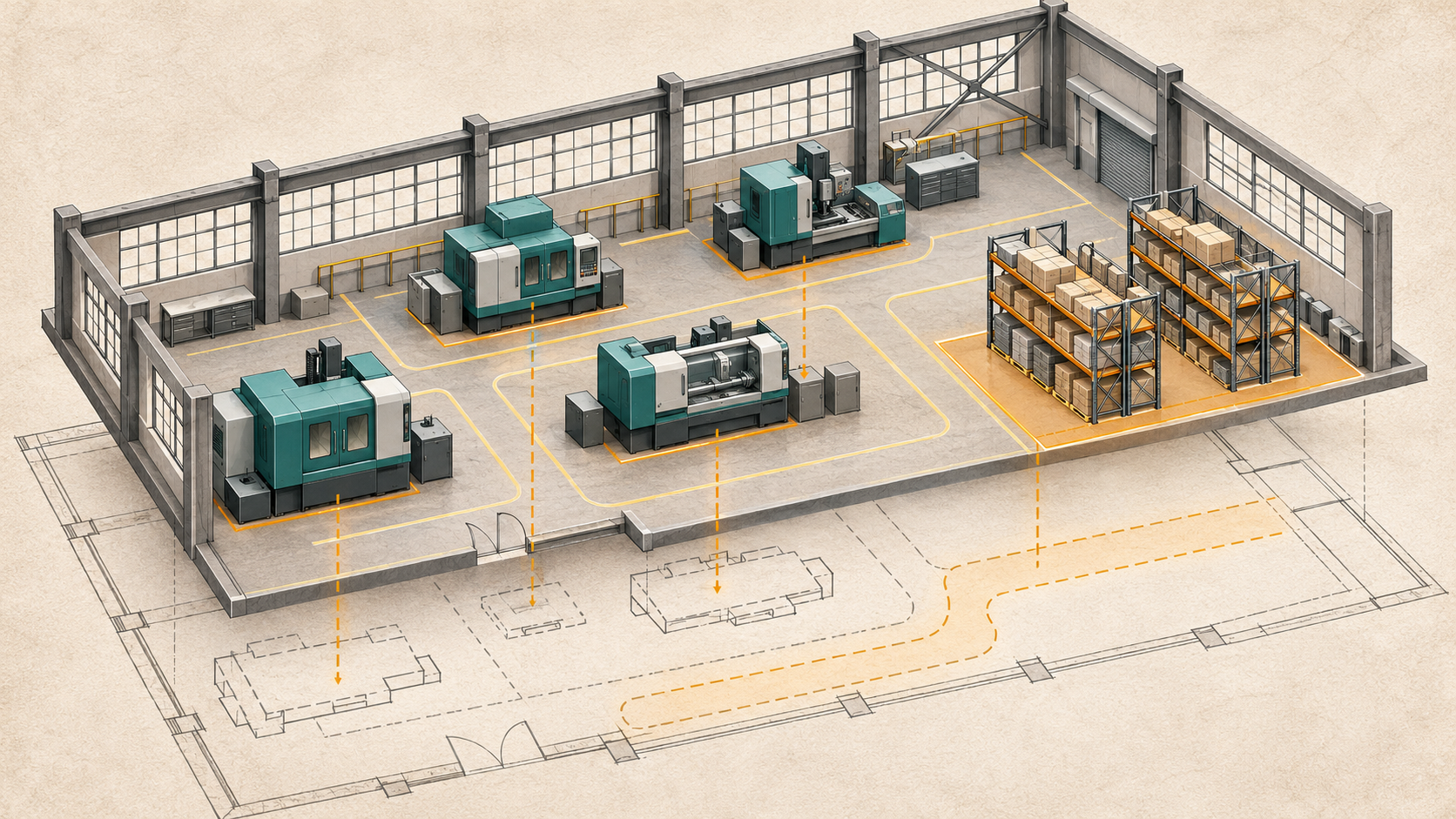
The scan is finished. The download folder is enormous. The project is marked complete.
Then the designer asks for another site visit.
Perhaps the file will not open in the expected application. Perhaps the critical overhead area is missing. Perhaps the team needed a drawing, while the contract only promised captured data.
The problem is not always the scan. Sometimes the purchase never defined the handoff.
A successful capture project should be judged by whether the agreed output supports its intended use. File size, visual detail, and a polished presentation do not answer that question on their own.
Find out why the return visit is needed
Do not assume that every repeat visit represents a failure. Some tasks require physical inspection, testing, or specialist verification that a capture was never intended to replace.
Ask the person requesting the visit what information is missing. Is it a visible condition that should have been included? A dimension requiring a different verification method? A concealed feature? Or simply information the team cannot access in the delivered format?
Those explanations lead to different remedies. A format problem may require a better handoff. Missing coverage may require targeted recapture. A physical test remains a physical test.
Understanding the reason prevents a blanket promise of “no more site visits” from replacing a useful project scope.
Name the recipient before selecting the output
A capture specification should identify who will use the result and in which workflow.
A facilities manager may benefit from a browser-based view. A designer may need data prepared for a particular application. A construction reviewer may need repeat captures organized by location and date.
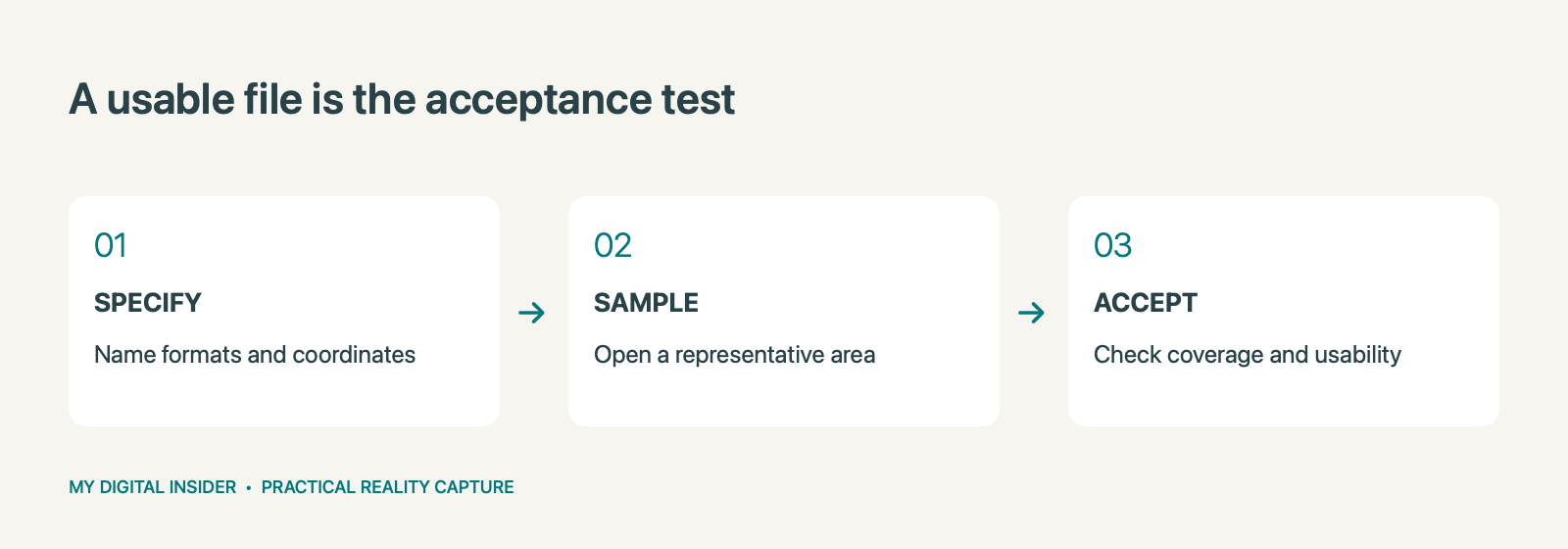
If the deliverable is a point cloud, ask the recipient to specify formats, units, coordinate references, and practical file-handling needs. If the recipient needs drawings or a model, include those as separate outputs with their own acceptance criteria.
Autodesk’s documentation describes point clouds as reference information used to author building geometry in Revit. That distinction explains why delivering scan data is not the same as delivering a completed Revit model. See Autodesk’s explanation.
Replace vague promises with an acceptance checklist
“BIM-ready,” “high quality,” and “complete documentation” can mean different things to different teams.
Translate those phrases into checks. What area is included? Which elements need to be visible or modeled? Which output files will arrive? How are coordinates established? What accuracy is required for the intended use? Who reviews the result?
Also state what is excluded. A locked room, concealed service, or inaccessible overhead zone should not disappear from the conversation once the files are delivered.
Acceptance becomes more constructive when the parties agree in advance on what will be checked and how exceptions will be handled.
Open a sample before the entire job is finished
For a complex project, choose a representative area and test it through the receiving workflow.
The sample should include the difficult conditions, not just the easiest open room. If dense services, multiple levels, or critical interfaces are central to the project, include them in the review.
Have the intended recipient open the actual deliverable. Confirm orientation, units, alignment, coverage, and visibility. If a model is included, inspect the agreed elements and compare them with the supporting record.
Write down the outcome. If the sample changes the brief, update that brief before proceeding. A sample review is valuable because it catches mismatched expectations while they are still relatively contained.
Separate visual access from technical production
A team can benefit from both an easy-to-navigate view and technical deliverables. One does not automatically replace the other.
A tour may help a project manager understand the site during a meeting. CAD drawings may support a defined documentation task. A Revit/BIM model may support design coordination. Tags may connect a location to an approved record.
Choose the combination that serves the users. Avoid paying for an impressive output that nobody has a reason or a workflow to use.
When an add-on is proposed, ask for its contents, availability, and any additional processing required. A platform’s menu of options does not establish that every output is suitable for your project.
Plan the information handover, not just the download
Confirm who controls the hosting account, how access is granted, how long the view remains available, and what rights the customer has to retain or transfer exported data.
These questions become important when a project ends, a subscription changes, or a different consultant joins the work. A link that only one person can access is a fragile handoff.
Ask for an organized index that identifies files, capture dates, relevant areas, and known limitations. Use names that make sense to the receiving team. Preserve enough context that someone joining later can distinguish the baseline from later revisions.
This is especially useful when visual tours, point clouds, drawings, and models are delivered together.
Measure usefulness with a real question
Before closing the project, ask a recipient to complete an agreed task with the delivered information.
For example, can the designer locate the relevant interface and review the captured reference? Can the facilities manager navigate to the equipment and open the approved record? Can the project manager find the same area in two capture dates?
The test should reflect the original purpose and the limits of the scope. It should not invent new obligations after delivery.
If the task fails, identify whether the cause is missing information, access, training, format, or a requirement that belongs outside the capture project.
Make the next request more specific
A better brief names the decision, the area, the receiving user, the required formats, the accuracy needs, and the acceptance process.
Capture Now 360 can scope capture together with AutoCAD drawings, Revit/BIM models, Compare views, tagging, and relevant add-ons. Ask for the outputs your team will use rather than an unspecified package.
Request a project quote. Include your receiving software and one concrete task the deliverables must support. The most useful capture is the one that helps the next person move the project forward.
Related reading
Explore our related reality capture guide.
Ownership disclosure: This publication’s owner also owns Capture Now 360.


Leave a Reply